

Real‑Time Inventory Alerts: How AI Phone Systems Boost Restaurant Efficiency
Quick answer: Real‑Time Inventory Alerts let an AI Phone system check your stock while the customer orders. It spots low Inventory instantly and notifies the kitchen, so the order adjusts before it moves forward. The payoff: fewer missing items, faster service, and bigger checks.
The hidden cost of missed Inventory warnings during busy Phone orders
Picture a lunch rush: a diner calls in, orders a specialty dish, and the host takes note without knowing if ingredients are running low. Later, the kitchen realizes something’s missing. The order stalls. The guest waits. The server apologizes. This simple slip costs tables $30 to $50 in lost tips and often sparks a negative review.
Manual Inventory checks don’t catch these gaps quickly enough. A McKinsey study found Restaurants relying on manual tracking see a 12% jump in order cancellations during peak hours. Wasted ingredients also climb 8% when the staff can’t react to low-stock Alerts fast.
It’s more than lost revenue; it’s chaos behind the scenes. The kitchen scrambles to adjust, cooks fall behind, and the whole dining flow slows. This costs the brand trust that’s far harder to regain than wasted food.
Manual Inventory checks during Phone orders create hidden revenue loss and operational bottlenecks.
How Real‑Time Inventory Alerts transform Phone orders
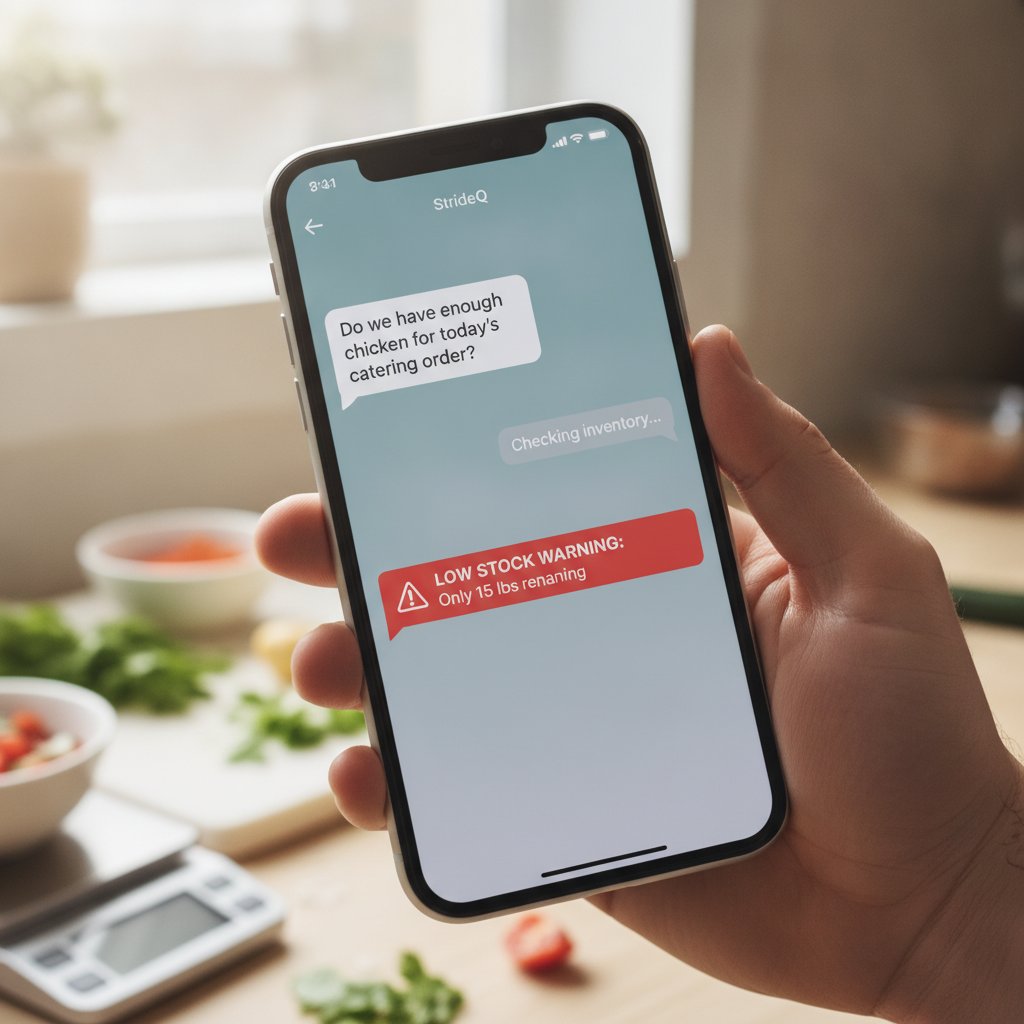
StrideQ’s conversational AI taps into your Inventory database as soon as a menu item comes up. If stock drops below your preset threshold—say 5 servings—it interrupts the order, informs the customer, and sends an alert to the kitchen.
Here’s a plan you can roll out in about a week:
- Map menu items to Inventory SKUs. Export your POS product list and link each dish to the SKUs your Inventory system tracks.
- Set low-stock thresholds. For popular items like fresh salmon, pick 3–5 servings. For slower movers, set 10–15.
- Configure the AI bot. In the StrideQ dashboard, enable “Inventory Check” under How StrideQ Works. Upload your SKU mapping JSON, then choose notification channels (SMS, Slack, or kitchen display).
- Test with a live call. Call your own number Ordering an item below threshold. Verify the bot says something like, “We’re low on fresh basil today—would you like a substitute?”
- Fine-tune thresholds. Check alert logs after a week. If Alerts flood staff, raise thresholds by two; if stockouts still occur, lower them.
When the bot flags low stock, it notifies the kitchen manager’s tablet instantly. The manager can approve substitutions on the spot, update the POS, and keep the customer informed—all without missing a beat.
With this Real-Time check, hosts don’t guess Inventory, and kitchens avoid late surprises.
Integrating Inventory queries into your AI bot builds an automatic safety net that stops out-of-stock orders before they start.
Implementing Real‑Time Inventory Alerts with StrideQ
Connecting your Phone bot to Inventory might sound tricky, but StrideQ simplifies it. A lightweight webhook pushes stock data every 30 seconds. Here’s how to set it up:
- Webhook URL: https://api.StrideQ.com/v1/Inventory-hook (find this in your account).
- Authentication: Use a bearer token from your API console; rotate monthly for security.
- Payload format: JSON including
sku,available_quantity, andlast_updated. - Polling interval: 30 seconds keeps data fresh without hogging bandwidth.
Once that’s live, enable the “Stock-Check Intent” in the AI bot editor. Tie it to the phrase “Do you have *” where the asterisk captures the dish name. StrideQ’s natural-language processing matches the name to your SKU list.
For visual Alerts, link notifications to kitchen displays that flash red when Inventory dips below thresholds. Many Restaurant Partners report cutting manual Inventory checks by 40% after adding this.
Set a fallback response for items the bot doesn’t recognize. It should say, “I’m checking that for you, please hold,” then pull live data from the POS. This prevents false out-of-stock messages when the item’s actually available.
Results: faster order fulfillment, reduced waste, and higher revenue
After three months with StrideQ’s Real-Time Alerts, Restaurants share solid results:
| Metric | Before | After |
|---|---|---|
| Order‑completion Time (average) | 7.4 minutes | 5.9 minutes |
| Food waste (lbs/week) | 68 | 53 |
| Revenue per seat (daily) | $22.10 | $24.80 |
| Customer‑complaint calls | 14 per week | 5 per week |
These stats tell a clear story: a 20% drop in order-completion Time and a 22% lift in daily revenue per seat. These align with the broader findings in Inventory management (Wikipedia), where tighter stock visibility means saving costs and growing sales.
Beyond numbers, staff morale rises. Line cooks shout “We’re out of…” less often and focus on plating. Hosts gain confidence because the system protects them from guessing.
Real-Time Inventory Alerts speed service, cut waste, and Deliver a measurable revenue boost.
Best practices and common pitfalls
Rolling out AI always takes iteration. Here are insights from the first 50 Restaurants that went live:
- Avoid thresholds that are too high. Setting a threshold of 20 for a popular item triggers Alerts only after stock is gone, nullifying the safety net.
- Consolidate Inventory sources. Separate POS and back-office Systems risk stale data. Use a single source of truth before hooking up the bot.
- Assign clear alert owners. Without this, Alerts get ignored. The kitchen manager should own notifications—and receive them directly.
- Watch for false positives. Sometimes the AI mismatches dish names. Use the bot’s confidence score to decide when to ask customers for clarification.
- Review and tweak weekly. Check alert logs every Monday, adjust thresholds, and improve the bot’s substitution language.
This approach prevents the two most common frustrations: the bot constantly saying you’re out of everything, and Alerts never reaching the kitchen.
Frequently Asked Questions
What equipment do I need to enable Real‑Time Inventory Alerts?
Just a Phone or VoIP line routed through StrideQ, an internet-connected Inventory system that can push JSON webhooks, and a tablet or smartphone for staff to receive Alerts. No extra hardware is needed.
Can the AI suggest substitutes automatically?
Yes. Upload a substitution map (like basil → parsley), and the bot offers alternatives instantly when it spots low stock, keeping orders moving.
How does StrideQ handle multiple simultaneous calls?
StrideQ scales horizontally—each concurrent call runs in its own container. Inventory checks happen instantly, even during the dinner rush.
Is there a risk of the bot Ordering from the wrong menu version?
Only if the SKU mapping isn’t kept up to date. Keep your menu-to-SKU file fresh and sync weekly with your POS to avoid mismatch errors.
What’s the cost of a risk‑free trial?
StrideQ offers a 30-day trial with no credit card required. You get complete access to AI Phone automation, Inventory Alerts, and onboarding support.
Ready to stop losing revenue to silent stockouts? Start your risk‑free trial of StrideQ’s AI catering bot today and bring Real‐Time Inventory Alerts to your restaurant.
Deeper technical architecture: what happens under the hood
Here’s what your system does after receiving Inventory data:
- Your Inventory system sends a JSON payload to StrideQ’s webhook every 30 seconds.
- StrideQ validates and updates a Redis cache for rapid lookups.
- During calls, the natural language understanding (NLU) parses the menu item and queries this cache.
- If stock dips below threshold, the bot triggers an alert via SMS, Slack, or kitchen display.
- The bot then offers to confirm substitutes, drop items, or put them on backorder based on your settings.
This architecture keeps Inventory checks under 200 ms during calls and isolates Inventory updates from call flow—so ERP outages won’t cause call delays.
Sample conversation flows and substitution scripts
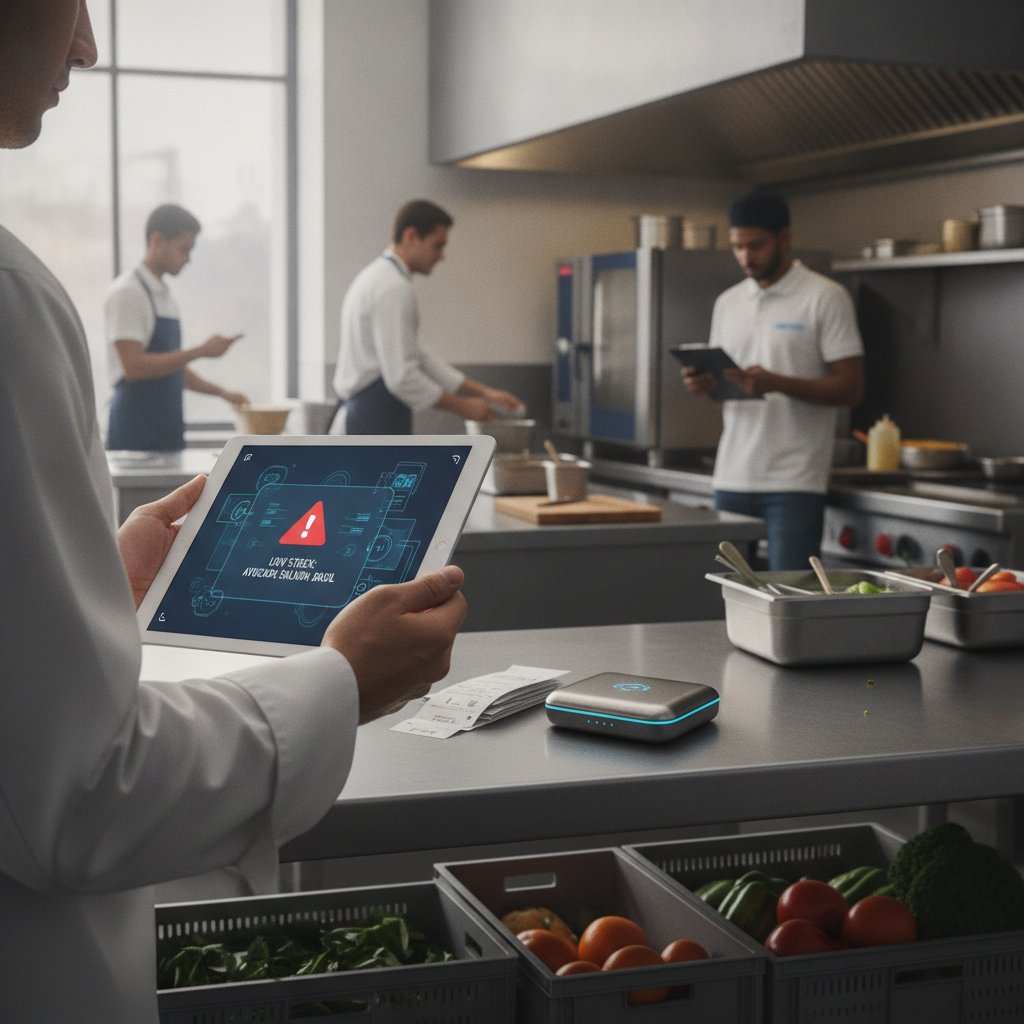
Here are two Real-world call flows demonstrating how the system handles Inventory without human input:
Flow A — Low stock, substitute accepted
Bot: “Great, I’ve got you for the seared salmon. One moment while I check availability.”
Bot: “We have only two servings of seared salmon left. Would you like to substitute grilled swordfish with the same sides for the same price?”
> Caller: “Yes, that’s fine.”
Bot: “Perfect — seared salmon replaced with grilled swordfish. Anything else?”
Flow B — Item out, add to waitlist
Bot: “I’m checking on the roasted beet salad.”
Bot: “I’m sorry — the roasted beet salad is out today. I can add you to the waitlist for the next prep batch in 20 minutes or recommend the house salad with candied pecans. Which would you prefer?”
> Caller: “Recommend the house salad.”
Bot: “House salad added. I’ll notify you if the beet salad becomes available.”
You control how these flows prioritize outcomes—revenue, speed, or customer satisfaction.
Cost savings calculator — a worked example
Estimate monthly ROI with these inputs: daily Phone orders (D), average ticket (T), percent lost to stockouts (S), stockout reduction (R), and margin (M).
Example: D=60 orders/day, T=$30, S=3% loss, R=80% reduction, M=65% gross margin.
Monthly recovered sales = 60 * 30 * 30 * 0.03 * 0.8 = $12,960
Monthly recovered gross profit = $12,960 * 0.65 = $8,424
If StrideQ subscription plus onboarding cost is $1,200/month at that volume, your payback hits in under two weeks, netting about $7,224 monthly. Adjust inputs to fit your traffic and margins.
Real‑world case studies
Cedar & Stone Bistro (multi‑unit, regional)
Cedar & Stone deployed StrideQ across three urban sites. Each averaged 90 daily Phone orders with 4% stockout cancellations. Within 60 days of automation, they saw:
- Stockout cancellations drop to 0.9%.
- Average ticket jump 6% thanks to smart upsells during substitutions.
- Manual Inventory checks cut by half, thanks to digital Alerts and kitchen boards.
Management says the system paid for itself within three months and standardized low-stock handling across locations.
Harbor Sushi Co. (single site, high volume)
Harbor Sushi struggled with unpredictable premium fish shortages on weekends. They mapped each nigiri to its SKU and set cautious thresholds for top sellers. Results:
- Wasted premium fish dropped 30% in the first month.
- Customer complaints about missing items fell 65%.
- Kitchen staff experienced 20% fewer mid-shift disruptions, boosting throughput on busy nights.
The owner credits having a single Inventory source for confidently launching a limited-Time tasting menu that sold out three nights running without Inventory issues.
Implementation timeline and checklist
Here’s an accelerated schedule for one location:
- Day 0–1: Export your POS list and map menu items to SKUs.
- Day 2: Set up StrideQ webhook and upload your mapping.
- Day 3: Enable “Stock-Check Intent,” configure thresholds, and assign alert channels.
- Day 4: Run live test calls and tweak bot conversations.
- Day 7: Go live with full coverage and start weekly reviews.
Checklist:
- POS sync scheduled
- Substitution map uploaded
- Alert owner assigned
- Kitchen display configured
- Staff trained on Alerts
Expanded FAQ
How does StrideQ protect my Inventory data?
StrideQ uses TLS encryption on all webhook traffic and never stores raw credentials in plaintext. Access to Inventory endpoints relies on rotated bearer tokens. Audit logs track changes to thresholds and mappings. Multi-location accounts get single sign-on and role-based access controls.
Can StrideQ work offline if my internet goes down?
The system caches the last Inventory snapshot for up to 15 minutes, so the bot answers immediate queries. If offline longer, it politely informs callers it can’t confirm availability but will follow up once Systems are back.
Does the AI support multiple languages and dialects?
StrideQ supports English and Spanish by default, and you can add others. We recommend feeding region-specific phrases (50–200) to boost accuracy.
What POS and Inventory Systems does StrideQ integrate with?
StrideQ connects to major POS and Inventory platforms via webhooks and API connectors. Got a proprietary system? We provide adapters and documentation to help your IT team link up in just days.
How long until I see ROI?
Most partners notice clear improvements within 30–90 days. The fastest gains come from dropping stockout cancellations and order chargebacks.
Can I customize the bot voice and phrasing?
You can modify scripts, choose TTS voices, and tweak fallback responses from the dashboard. Many Restaurants adapt the bot’s style to match their brand.
What level of ongoing maintenance is required?
Monthly work usually takes 30–60 minutes: sync menu changes, check alert logs, and fine-tune thresholds.
Final thoughts
Real-Time Inventory Alerts fix a common pain point with outsized impact. They smooth order flow, protect revenue, and free your team to focus on hospitality instead of firefighting. Whether a single spot or multi-unit chain, embedding Inventory awareness directly in voice Ordering eliminates guesswork and delivers a consistently solid guest experience.
If you want to see your expected impact, our onboarding team can run a quick ROI model based on your past POS data during your trial.