


Why Restaurant Owners Skeptically Eye the AI Phone Ordering Revenue Boost
Most owners hear “10–20% Revenue lift” and immediately want proof. That’s not paranoia—restaurant margins are tight, and even a small percentage feels risky. According to Restaurant industry statistics and trends, annual growth for full-service restaurants usually sits around 3–5%. So a sudden double-digit jump demands transparency.
That’s why this discussion centers on data, not marketing. StrideQ’s AI Phone Ordering system handles calls, takes catering orders, and unburdens staff—but turning those operational wins into real Revenue uplift requires clear measurement.
Restaurants have been burned by software that promised the moon but delivered headaches, disrupted workflows, and a flood of support tickets. Phone orders are especially sensitive: regulars expect human interaction, catering demands precision, and kitchen staff juggle orders under tight time pressure. When you hear AI can bring double-digit topline growth, the real question is whether that growth adds new business or just shuffles existing sales between channels.
This framework lets you cut through the noise and prove whether AI drives genuine Revenue gains.
The Anatomy of Phone Order Revenue: Where the Lift Actually Comes From
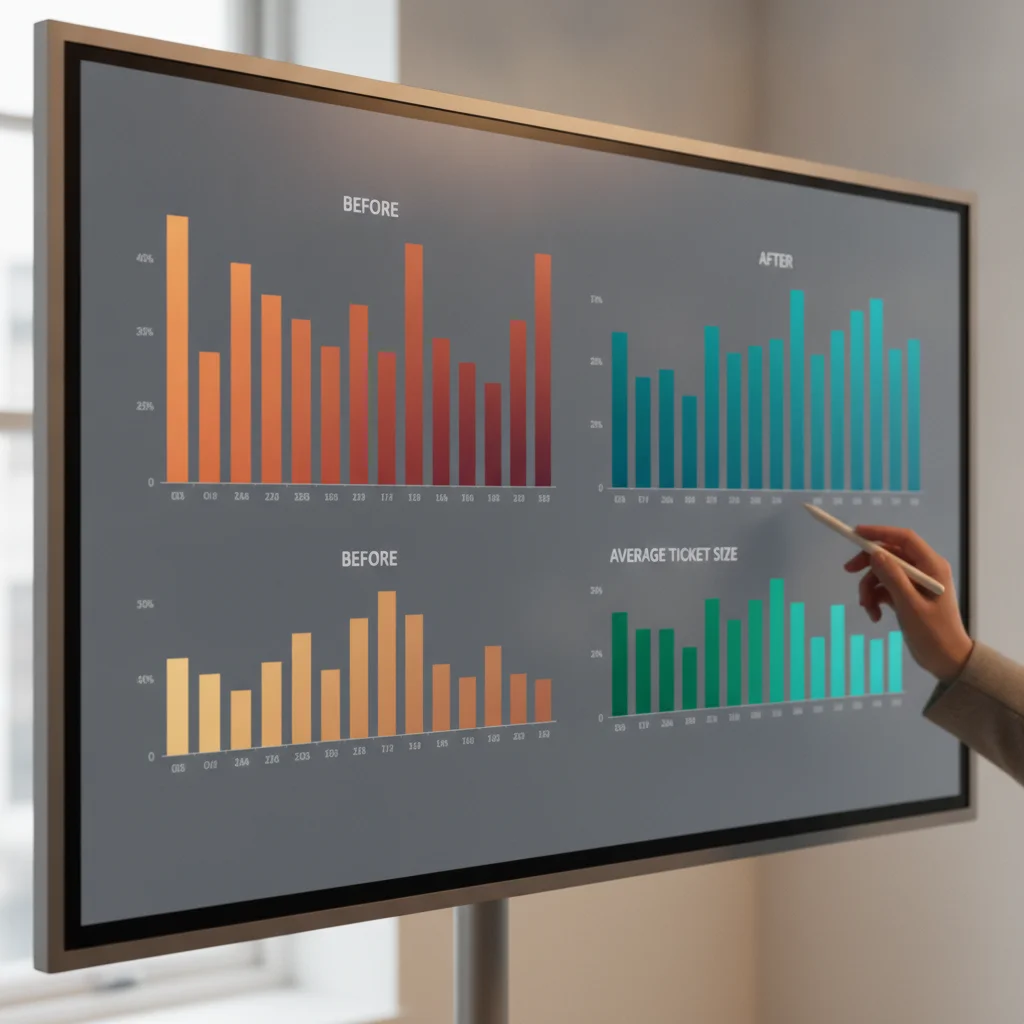
To Measure the AI Phone Ordering Revenue Boost accurately, you have to understand what actually moves the needle. This isn’t magic. It’s about plugging persistent leaks restaurants have accepted as business as usual.
Phone Ordering suffers from three chronic issues:
- Call abandonment during peak rushes: Between 6:30 PM and 8 PM, hosts, bartenders, and floor leads juggle seating, expediting, and guests. Phone calls often ring out or get sent to voicemail. Most callers never call back. They switch to third-party apps or competitors instead.
- Inconsistent upselling: Busy staff racing through calls barely have time to take orders, let alone suggest appetizers, premium sides, or desserts. AI handles upsell prompts every time, without slowing down.
- Ordering friction and transcription errors: Mishearing requests, illegible notes, and manual POS re-entry add errors and delays. Automated POS injection eliminates these bottlenecks.
Fix these three issues—recover abandoned calls, automate upselling, and cut transcription errors—and a 10% to 20% Revenue lift isn’t just plausible; it’s verifiable.
How to Quantify the AI Phone Ordering Revenue Boost in Five Steps
Measuring AI’s Revenue impact breaks down into five practical steps. Each one uses your existing data—no fancy tools or consultants needed.
Step 1: Capture Baseline Metrics
Before activation, record four weeks of data covering:
- Average daily order volume (calls + online)
- Average ticket size (gross sales per order)
- Labor hours answering phones
- Average tip percentage on Phone orders
Keep this data locked in a spreadsheet labeled “Baseline.” Remove anomalies like holiday spikes or weather events and clearly mark those dates. Separate Phone orders from online and third-party delivery—fees on third-party orders distort profitability. Focus only on direct, high-margin Phone sales.
Baseline data establishes the control group to isolate AI’s true impact.
Step 2: Set Up StrideQ’s Reporting Tools
StrideQ’s dashboard tracks every inbound call, order, and time saved. Get it running in 20 minutes, using the guide at How StrideQ Works. Connect it to your POS via the API key—no hardware or middleware needed.
Configure these reports:
- Call-to-order conversion rate
- Average handling time per call
- Revenue captured per AI-managed call
Export the first week as your “AI Period” dataset. Make sure POS orders flagged as AI-generated use a dedicated identifier to simplify filtering.
StrideQ’s built-in analytics remove guesswork from manual call tracking.
Step 3: Track Key Performance Indicators
Monitor these KPIs over at least 4 weeks:
- Order volume: total orders (AI and traditional)
- Average ticket: gross sales divided by total orders
- Labor cost: hourly wage multiplied by Phone-handling hours
- Tip percentage: tips on Phone orders divided by Phone order sales
Small percentage changes in ticket size and order volume quickly Boost Revenue. Track results by daypart—Friday and Saturday dinner rushes often show the biggest lift from recovered calls.
These metrics pinpoint which financial levers AI is pulling.
Step 4: Calculate the Net Revenue Lift
Convert raw data into profit each week using this formula:
| Component | Baseline | AI Period | Delta |
|---|---|---|---|
| Gross Sales | $X | $Y | $Y−$X |
| Labor Savings | $A | $0 (AI replaces) | +$A |
| Tip Impact | $B | $C | $C−$B |
| Net Revenue Lift | (Gross Sales + Labor Savings + Tip Impact) – Baseline Costs | ||
Divide the net lift by baseline gross sales to get the percentage improvement. If you get 10–20%, you’ve confirmed StrideQ’s numbers.
When analyzing labor savings, distinguish hard-dollar payroll cuts from reallocated labor. Cutting shifts is hard-dollar savings. Using that recovered time to speed table turns is valuable but indirect.
This formula translates numbers into the headline figure owners demand.
Step 5: Present Findings to Stakeholders
Build slides that tell a story, not just numbers. Include:
- A crisp executive summary (1–2 lines)
- Baseline KPIs table
- AI period KPIs table highlighting changes
- Net lift formula with results
- Operational benefits like labor saved
- Next steps: rollout plans, menu tests
Use green for gains, red for losses, so execs can skim quickly. Finish with a call to action: deploy StrideQ fully or pilot a second location.
Expect tough questions: Did kitchen timing suffer? Guest satisfaction drop? Include a slide showing order throughput and kitchen times held steady.
A clear, data-focused deck turns AI Revenue claims into boardroom wins.
Hypothetical Worked Example: Step-by-Step Calculation
Here’s a fictional scenario for a busy independent restaurant, comparing 4 weeks before and after AI implementation.
Baseline Operational Assumptions (Hypothetical 4-Week Block)
- Phone orders: 1,600 (400/week)
- Average ticket: $32.00
- Gross Phone sales: $51,200
- Phone answering labor: 80 hours (20 per week)
- Loaded wage: $15/hour
- Labor cost: $1,200
- Phone tips: $5,120 (10%)
AI Implementation Period (Hypothetical 4-Week Block)
- Recovered calls Boost orders to 1,840 (+15%)
- Upselling lifts average ticket to $34.50 (+7.8%)
- Gross sales jump to $63,480
- Labor hours drop to 10, reclaiming 70 hours
- Labor savings: $1,050
- Tips rise to $6,030.60 despite a slight percentage dip to 9.5%
Net Lift Calculation
- Gross sales increase: $12,280
- Labor savings: $1,050
- Tip increase: $910.60
- Total net gain: $13,330
- Percentage lift: 26.0%
Exclude labor savings and focus on sales, and you still see a 23.9% increase. This lays bare how capturing missed calls and automating upsells pay off.
Common Pitfalls and How to Avoid Them
Even with this framework, teams can slip up. Here are top mistakes and the fixes.
Skipping the Stabilization Week
The first days after launch are noisy. Scripts evolve, customers test the bot. Treat week one as a warm-up and exclude it from your calculations.
Mixing Call Types
Not all calls are orders. Including reservation or info calls drags down conversion and Revenue metrics. Filter for order intent only.
Ignoring Tip Drift
AI calls sometimes see lower tip rates since customers can’t tip cash. Have the bot suggest tip ranges, track tips carefully, and adjust calculations to reflect changes.
Conflating Marketing Spikes with AI Uplift
Running promotions while launching AI muddies results. Keep marketing spend steady across baseline and trial periods for reliable comparisons.
Overlooking Kitchen Capacity Limits
Filling 15% more orders means nothing if kitchens bottleneck. Work with chefs beforehand and configure the system to throttle orders or extend pickup times during rushes.
Quick Reference Table: Before vs. After StrideQ
| Metric | Baseline (4 weeks) | After AI (4 weeks) | % Change |
|---|---|---|---|
| Daily order volume | 120 | 138 | +15% |
| Average ticket | $28 | $30 | +7% |
| Phone-handling labor hours | 80 hrs/week | 45 hrs/week | −44% |
| Tip percentage (Phone orders) | 18% | 17% | −6% |
This example shows moderate lifts in volume and ticket size paired with nearly halving labor hours, delivering a roughly 12% net Revenue Boost after adjusting for a slight tip dip.
Modest improvements combined drive impressive overall gains without stretching front-of-house operations.
The Hidden Cost of Missed Phone Calls During Peak Service Hours
Missed calls during peak hours add up. When phones ring non-stop and hosts are swamped, staff face a stark choice: ignore walk-in guests or let calls go unanswered.
Most callers encountering endless rings don’t leave messages. They switch to competitors or third-party apps, costing you:
- Immediate lost food margin on missed orders
- Reduced Revenue from missed appetizers, drinks, and desserts
- Potential loss of lifetime loyalty
- A forced shift to high-commission delivery platforms
AI captures all calls, no matter how many come in at once, eliminating busy signals and long queues.
Deep Dive into AI Call Handling Mechanics
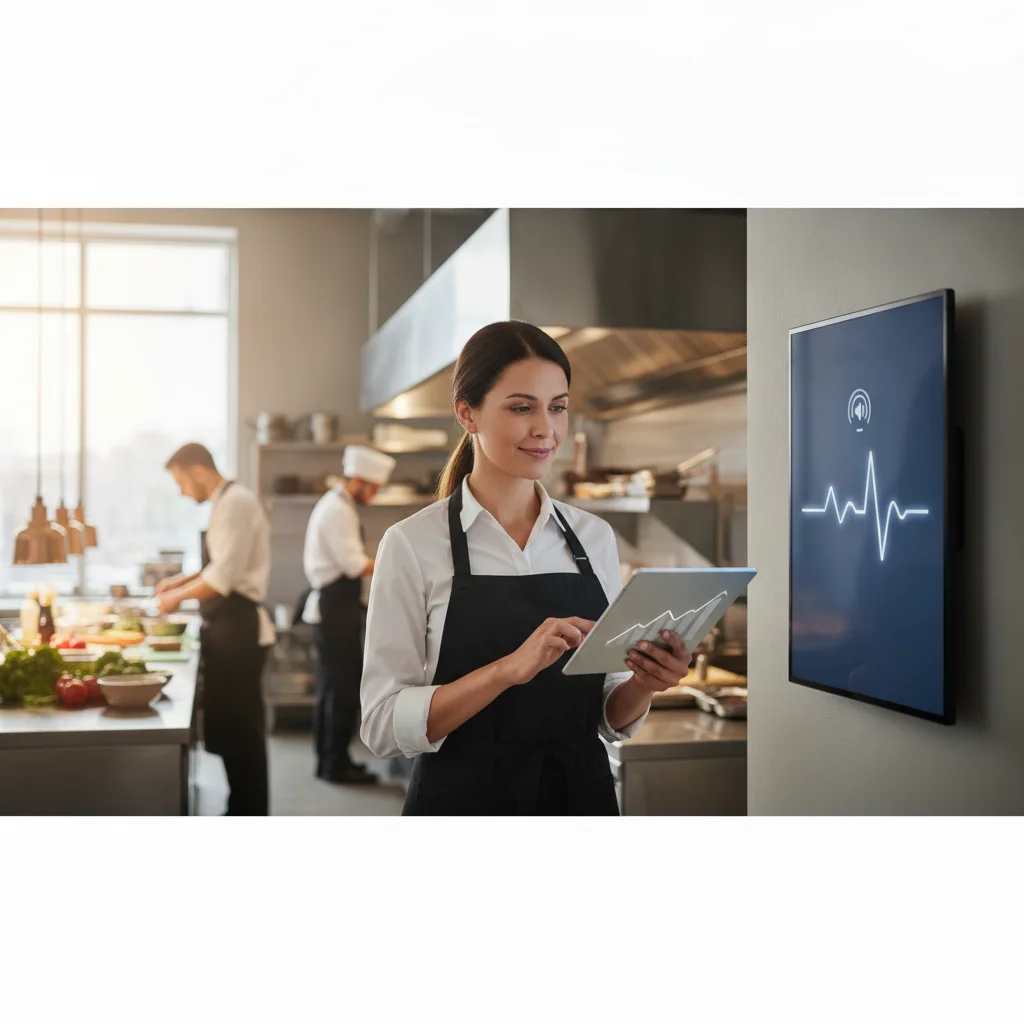
Explaining how AI works helps convince skeptical stakeholders. The process breaks down into three phases:
- Intent Recognition: Natural language processing deciphers whether the caller wants to place a new or repeat order, or has a catering question.
- Dynamic Menu Retrieval: The AI pulls the current menu and specials from your POS, then chats naturally with the caller.
- Order Confirmation & Transfer: Once confirmed, the order goes straight into the POS. Complex orders can be deferred to a human.
By slashing call handling times, staff focus more on food prep and guest service. The labor savings measured earlier come primarily from this efficiency.
The AI handles real-time challenges—background noise, accents, complex modifiers. It validates substitutions or dietary requests against POS rules, prevents out-of-stock items, and applies charges automatically.
Building a Custom Reporting Template
If you prefer spreadsheets, you can replicate core metrics with columns for:
- Call Date & Time
- Order ID
- Ticket Value
- Handling Time (seconds)
- Labor Cost Saved (handling time ÷ 3600 × hourly wage)
- Tip Earned
Total and average with SUM and AVERAGE functions weekly. Duplicate for baseline and AI periods to see the delta clearly. Conditional formatting can highlight tickets exceeding average value by 20%+ to flag best upsells.
Managing Front-of-House Labor Reallocation and Staff Morale
Front-of-house teams often worry about lost tips or job cuts when automation arrives. The reality is different: offloading repetitive Phone tasks lets staff focus on hospitality.
Without scrambling to answer phones while juggling guests, stress falls. Tables get timely attention, drinks are refilled, and the in-person experience improves. And with higher overall order volume, total tip pools usually grow even if individual tip rates dip.
Bring your team onboard early—position the AI as a digital assistant freeing them to do what they do best.
Scaling the Solution Across Multiple Outlets
Once one location proves the uplift, roll out carefully across your chain. Key points:
- Consistent Menu Format: Standardize menus so AI pulls data reliably.
- Location Tagging: Use dashboard tags to track performance per outlet.
- Local Customization: Tweak greetings or menu order per market without redeployment.
Apply the same 5-step measurement at each site. Stagger rollouts in small batches of 3–5 stores so operations can adjust workflows and confirm kitchen readiness.
Advanced Scenario Modeling
You can layer in “what-if” models to forecast indirect gains. For instance, increased order accuracy can reduce food waste and Boost repeat business. Include these optional rows in your net Revenue table:
- Reduced Food Waste: Estimate dollar value saved by fewer errors.
- Retention Revenue: Project Revenue from happier customers returning.
Even rough figures help build a stronger case for investors focused on longevity.
Next Steps: Start Your Risk-Free Trial
If these numbers align with your goals, test StrideQ risk-free. The trial includes full dashboard access and a 20-minute onboarding call. Download the free reporting template that mirrors this five-step process.
Ready to Measure the AI Phone Ordering Revenue Boost for your brand? Visit the StrideQ Blog for concrete case studies and actionable advice.
Frequently Asked Questions
How long does it take to see a measurable Revenue Boost after installing StrideQ? Most operators see a stable lift after four weeks when AI settles into a routine.
Do I need a new POS integration to use StrideQ? No. StrideQ connects via a simple API key, compatible with most cloud-based POS systems—no extra hardware required.
Can I compare multiple locations with the same dashboard? Yes. Each restaurant is tagged for side-by-side chain comparisons.
What if my tip percentage drops after AI adoption? Keep an eye on tip KPIs. The bot can suggest tip amounts, and the net Revenue formula considers tip variations.
Is there any hidden cost after the trial ends? Pricing is subscription-based and transparent—no surprise fees for calls or catering.