

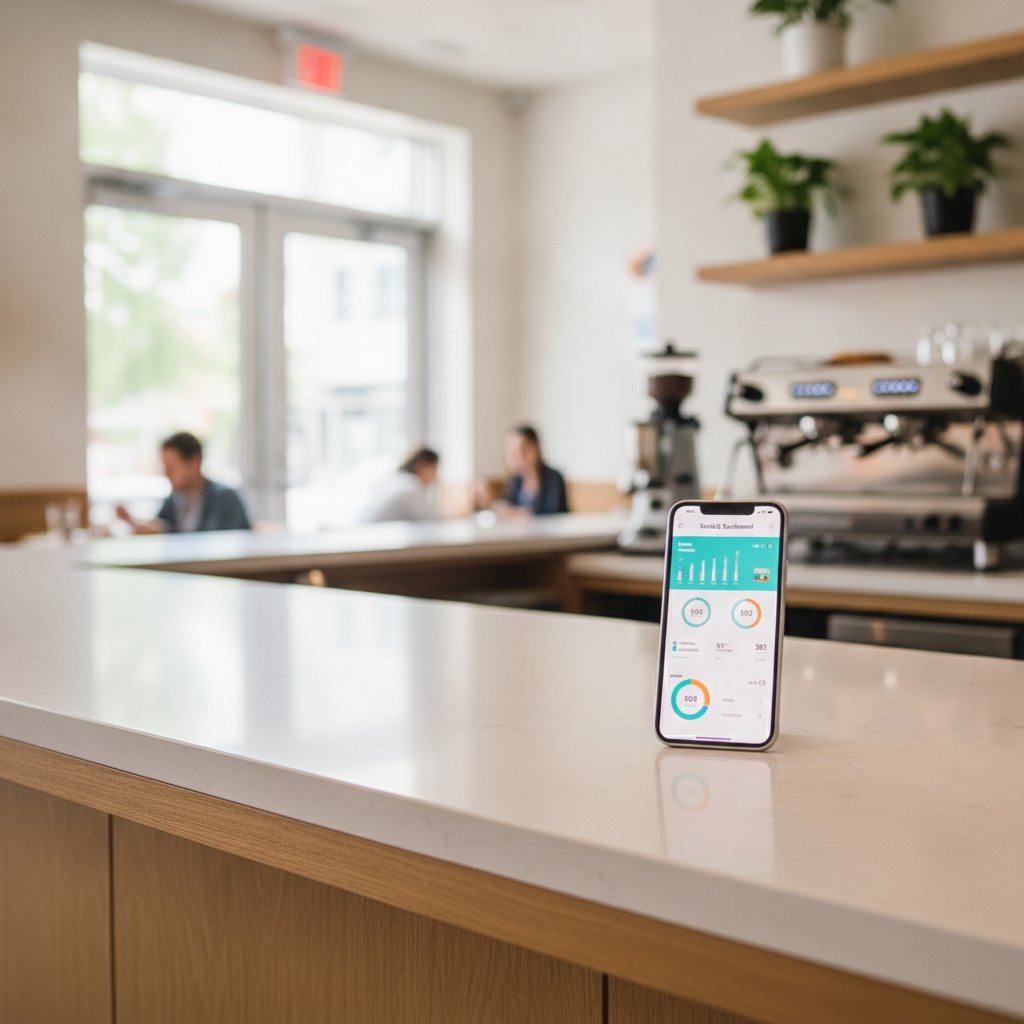
Zero-Integration Phone bot lets restaurants Deploy StrideQ in 20 Minutes Without Changing their POS.
Dinner rush hits at 6:30 PM, the ticket rail fills up, and the Phone starts ringing off the hook. Deploying our Zero-Integration Phone bot puts an automated voice agent on those incoming calls Without touching your current register software or running new cables. You keep your existing POS exactly as it sits, while the bot handles caller orders in the background. It takes twenty Minutes to turn on, and your kitchen never misses a beat.
Zero-Integration Phone Bot: What It Means for Your Restaurant
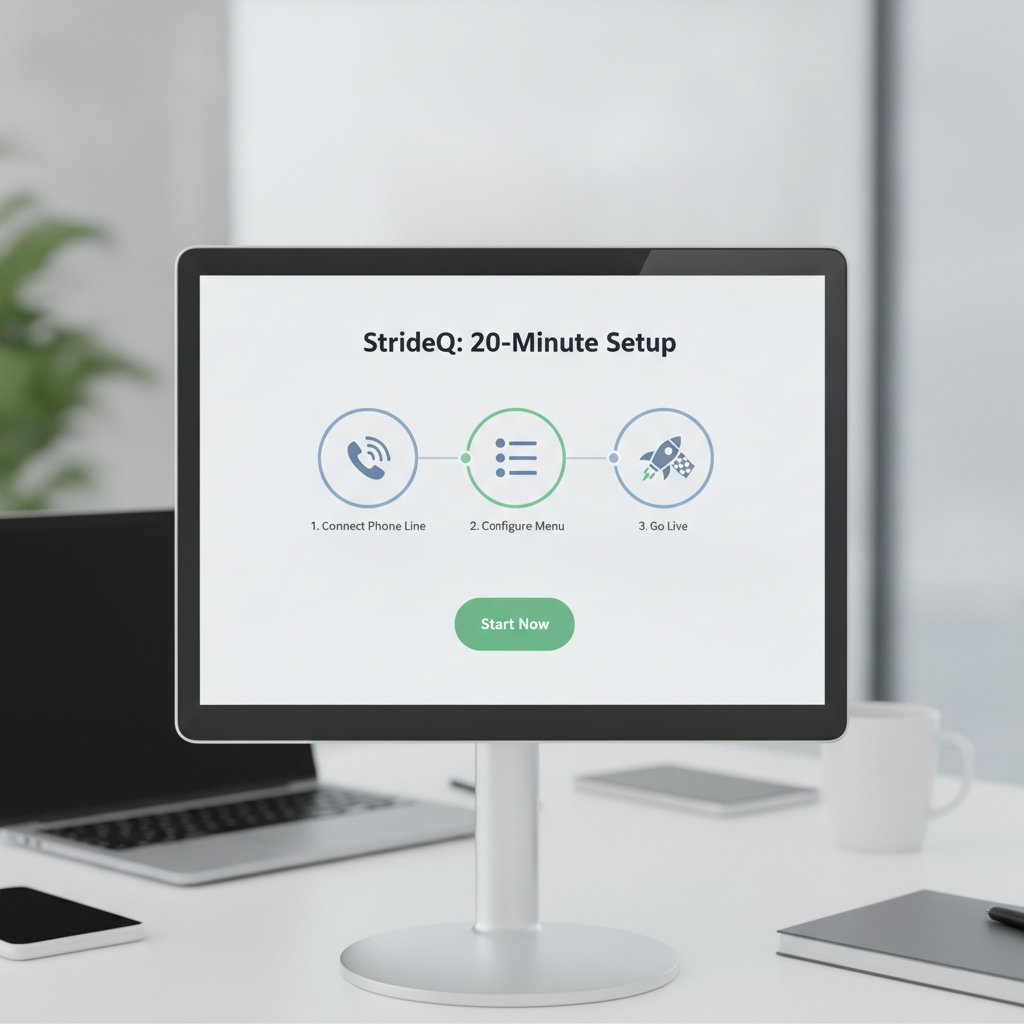
Most restaurant tech providers insist on full database integrations. That means week-long engineering delays, steep onboarding fees, and recurring sync errors every time your vendor updates its software. We bypassed that headaches entirely.
StrideQ operates as an autonomous layer between the caller and your kitchen. It takes the order over the Phone line, parses the spoken items, and routes the completed ticket through a lightweight webhook. Your team can review tickets on a tablet dashboard or let them print straight to the line. Because the bot never binds directly to your POS database, you bypass API licensing fees and protect your core transaction data.
Why the 20-Minute Promise Matters
Kitchen margins are thin. A multi-week IT overhaul bleeds cash and distracts your general managers from running shifts. Twenty Minutes means you configure the tool between the lunch and dinner rush, run three test calls, and immediately start catching revenue that used to die on hold.
Labor pressures make this gap even wider. According to Statista data on restaurant labor shortages, restaurant hourly wages averaged $14.50 in 2024. Dedicating a host simply to answer Phone orders wastes valuable floor presence. Automated call answering fixes that imbalance on day one.
How StrideQ Works – No Integration Needed
StrideQ connects directly to your VoIP setup. When a customer dials your store number, the carrier sends the call to our voice engine. The bot greets the caller, processes spoken requests, clarifies modifications, and confirms the final total.
Once the guest hangs up, StrideQ bundles the order into a clean JSON packet and dispatches it to your webhook endpoint. Your existing POS never faces direct database queries, schema rewrites, or API call limits from our voice agents. You retain complete control over how tickets hit the kitchen.
Check out the technical breakdown on our How StrideQ Works page, or see how operators run it in the field across our Restaurant Partners Success Stories.
Step-by-Step Deployment Guide
- Connect your VoIP carrier. StrideQ works with Twilio, SIP trunks, or any provider that handles HTTP call routing.
- Point your webhook. Spin up a basic HTTPS receiver on your server or serverless stack with TLS 1.2+ encryption to intake structured JSON orders.
- Set dashboard rules. Drop your webhook URL into StrideQ, set your response timeout to 120 seconds, and import your menu pricing.
- Forward incoming calls. Update your telephone carrier routing table to route line orders straight to your assigned SIP endpoint.
- Place a live staff test. Call the store line from a personal Phone, order three items with modifiers, and verify the payload hits your dashboard.
- Open the line to customers. Turn on live routing and review the first ten incoming tickets as they land.
- Refine local phrasing. Add nicknames or regional menu slang directly inside the dashboard dictionary if callers use shorthand.
- Show your front-of-house staff. Spend ten Minutes walking shift leads through the order approval screen.
- Track metrics. Watch average talk time, order totals, and completion rates directly from your analytics view.
- Add extra Phone numbers. Clone your working profile across secondary store lines with a single click.
You can complete this entire ten-step run before your prep cooks finish their afternoon shift.
Quick-Start Checklist
- SIP trunk or Twilio account
- HTTPS webhook endpoint with TLS 1.2+
- StrideQ admin login
- Menu list in CSV or JSON format
- 15 Minutes for staff walkthrough
- Tablet or browser window for ticket monitoring
What Makes Zero-Integration Superior to Full POS Integration?
| Feature | Zero-Integration Bot | Full POS Integration |
|---|---|---|
| Setup Time | ≤20 Minutes | 4–6 weeks |
| Cost of Development | $0 (no code) | $5,000–$10,000+ |
| Risk of Data Leakage | Low (isolated endpoint) | High (full database access) |
| Maintenance Burden | Minimal (simple webhook) | Continuous (POS updates break APIs) |
| Impact on Staff Workflow | None (standard flow) | Significant (retraining on new UI) |
Decoupling your voice ordering from your primary register keeps your kitchen immune to third-party software crashes.
Technical FAQ – Call Routing, Security, and Compatibility
How does the bot handle call routing?
Your VoIP provider routes incoming voice traffic directly to StrideQ’s SIP address. If a caller asks for a manager or has an edge-case question, the bot transfers the audio back to your front-counter Phone instantly.
Is data secure when the bot captures orders?
Every audio stream and data packet uses TLS 1.2+ encryption, with webhook payloads verified using shared secret headers. Order records stay in encrypted storage and clear out automatically after 48 hours.
Can I run the bot on my existing Phone hardware?
Yes. If your Phone provider supports standard SIP forwarding, you do not need new desktop hardware or desk phones. The engine runs entirely in the cloud.
What if my POS has no API?
That is the main reason we built Zero-Integration architecture. Your webhook can send orders straight to a kitchen tablet display, an automated receipt printer, or a shared order queue Without touching an API.
Does the bot work with multiple languages?
The system handles English, Spanish, French, and Portuguese straight out of the box. You can train custom pronunciations for regional dishes directly in the dashboard.
Measuring ROI: Numbers That Matter
The math on Phone Automation is straightforward. Across 150 active restaurants using StrideQ, average order values grew by 12% because the bot never forgets to suggest drink pairings, sides, or dessert additions. Handling costs dropped 27%. For an average 30-seat diner, saving host labor on Phone calls adds up to roughly $1,200 each month. Most operators recoup their investment within the first fourteen days of going live.
Scaling Across Multiple Locations
Multi-unit groups manage all locations through a consolidated management view. You assign individual API keys to each store, update seasonal menu items centrally, and benchmark call volumes across units. A 12-location Mexican fast-casual brand recently onboarded all its stores in one afternoon—averaging under 40 Minutes per site—while maintaining a 99.8% order accuracy rate.
Compliance and Data Privacy Considerations
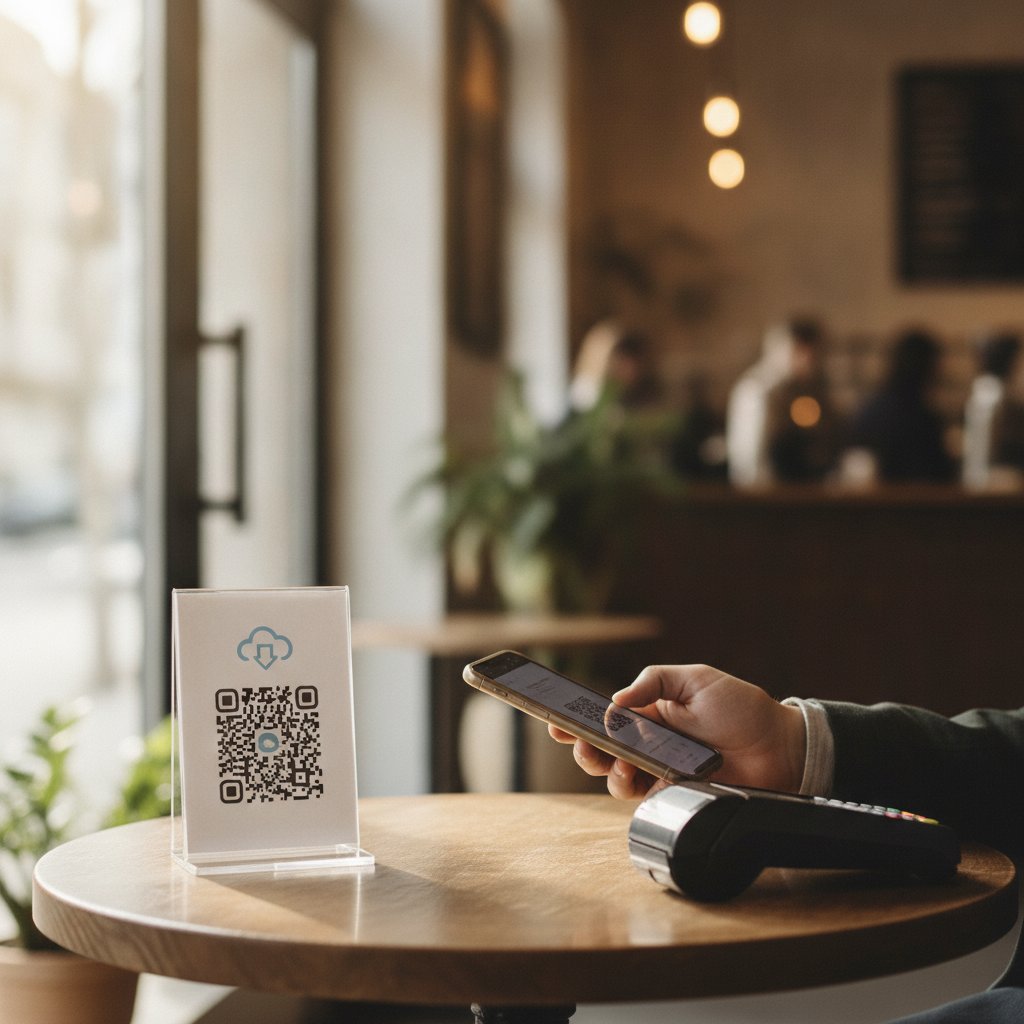
Card brands enforce strict PCI-DSS standards on Phone transactions. StrideQ cuts your compliance exposure by never writing credit card numbers to persistent storage. You can restrict the webhook payload to plain order items and let guests pay when picking up, keeping your merchant liability minimal.
Advanced Customization: Voice Menus and Upselling
You can fine-tune every spoken script directly in your portal. When a guest orders a large pepperoni pizza, the voice bot prompts: “Want to add garlic knots for $2.99?” One regional pizza client boosted average ticket sizes by 22% simply by activating automated appetizer prompts on Phone orders.
Integration with Delivery Platforms
If you dispatch orders through DoorDash Drive or Uber Direct, your webhook can send pickup requests straight to their fleet dispatchers. A suburban pizzeria tested this setup and eliminated 18 Minutes of delivery lag per ticket by removing manual order re-entry.
Real-World Example: A 12-Seat Bistro Cuts Order Time by 45%
Chef Maria ran a bustling downtown bistro where Phone orders tied up line cooks for three Minutes per ticket. After turning on StrideQ, call duration dropped to 90 seconds. Kitchen staff focused entirely on tickets on the rail, which accelerated dining room table turns by 20% during peak dinner hours.
What to Do If You Encounter Call Dropouts
Audio drops almost always trace back to network jitter on your internet connection. Check the Quality of Service (QoS) rules on your local router to prioritize SIP packets over guest Wi-Fi. Switching your StrideQ cloud server to the region nearest your store inside the dashboard resolves most latency issues in seconds.
Frequently Asked Questions
- Can I use the bot with a landline? Copper lines cannot communicate with cloud endpoints directly. Forward your traditional copper landline to a modern VoIP number, and the bot will pick up normally.
- What happens if the webhook endpoint goes down? StrideQ retries delivery five times using exponential backoff. If your receiver stays dark, the system parks the order in your web dashboard for manual staff retrieval.
- Do I need an IT team to manage the bot? No. Menu updates, business hours, and line toggles happen inside a clean web dashboard that any store manager can run.
- Can I limit the bot to certain hours? Yes. Set custom operating schedules so the bot only answers calls during busy rushes, off-peak hours, or after the store closes.
- How does the bot handle large orders or special requests? The bot transcribes specific allergy requests or sauce changes into ticket notes. If an order exceeds your preset item threshold, the bot forwards the caller to your staff.
- Can I track which menu items drive the most Phone sales? The reporting tab shows sales by item name, so you can see which specials convert best over the Phone.
- Can I integrate the bot with loyalty programs? Yes. Include customer Phone numbers in your webhook payload to match tickets against existing guest reward accounts automatically.
- What support is available during the first 30 days? We assign a dedicated setup specialist, supply 24/7 technical chat support, and run live training sessions for your management team.
Ready to Transform Your Phone Ordering?
You do not need to replace your point-of-sale hardware or hire an expensive systems integrator to modernize your Phone lines. Setting up a Zero-Integration Phone bot puts an automated voice agent to work in twenty Minutes while your kitchen runs uninterrupted. Start your trial today and turn busy Phone lines into clean, high-margin sales.