

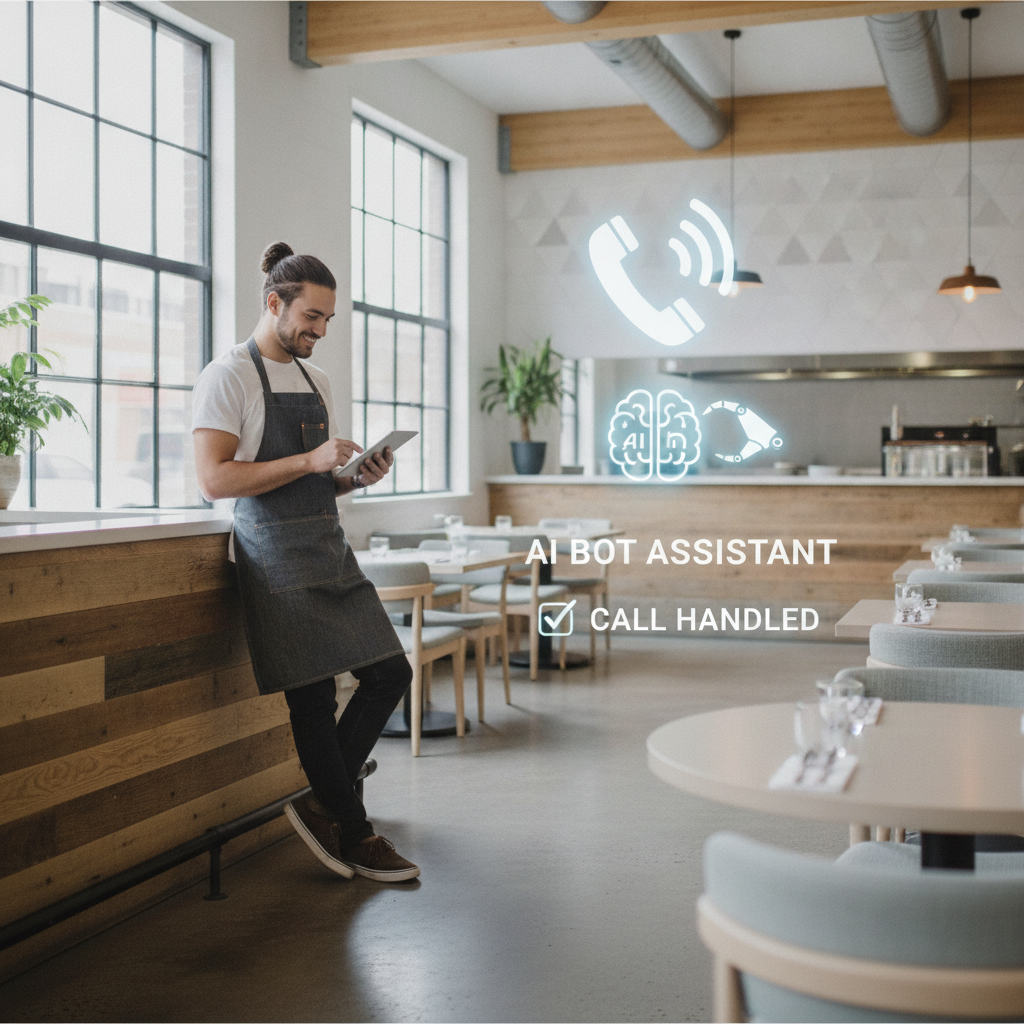
Quick Answer: AI Phone Ordering cuts hourly Labor Costs by 20–30% for Fast‑Casual restaurants. When daily call volume tops 150 orders, you’ll see payback in under six months. The system automates order taking, suggests upsells, and handles confirmations, freeing staff to focus on food prep and guest service.
How does AI Phone Ordering cut Labor Costs for Fast‑Casual restaurants?
Wages are the fastest-growing expense for restaurant operators. The BLS Restaurant Industry Labor Statistics report a 12% jump in average hourly pay over three years. Add overtime premiums, constant training, and high turnover, and Labor quickly eats into margins.
AI Phone Ordering eliminates the need to staff a dedicated call taker on every shift. It answers calls, records order details, confirms specials, and suggests add-ons that increase the average ticket. Since it runs nonstop, you swap out a $15/hour employee for a subscription costing far less.
Replacing a human order taker with AI can save about $12,000 annually per location. Here’s the math: a full-time employee Costs roughly $31,200 per year (40 hours × $15 × 52 weeks). StrideQ’s subscription, including support and analytics, runs around $19,200 annually.
Plus, you slash training time. New hires typically spend up to two weeks mastering Phone etiquette, menu details, and POS integration. AI takes that burden off managers, letting them focus on food safety and speeding up service instead.
What does a before‑and‑after case study reveal about Labor savings?
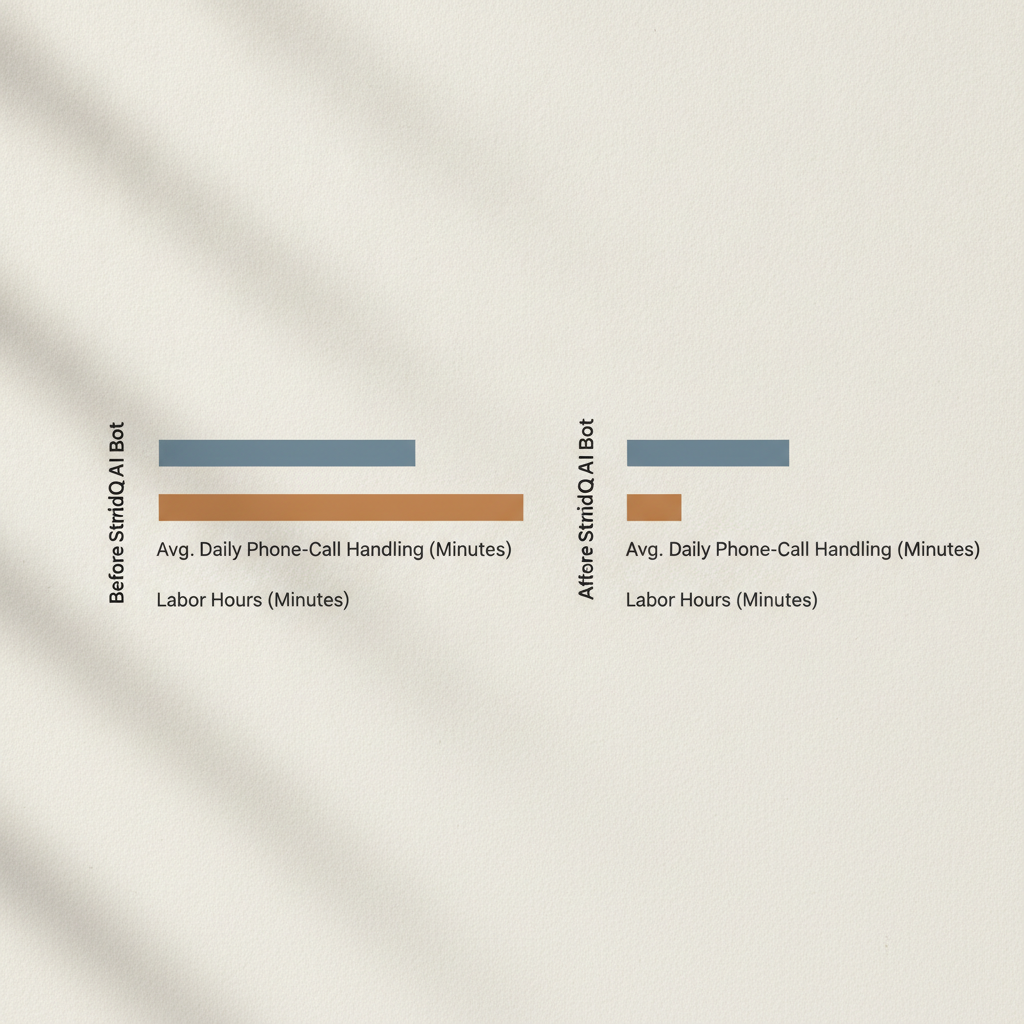
Take a 12-store Fast‑Casual chain averaging 180 Phone orders per location daily. Each store employed one full-time Phone operator at $14.50 per hour. Monthly Labor cost per store looked like this:
- 160 hours/month (40 hours × 4 weeks)
- $2,320 monthly wage (160 hours × $14.50)
- $27,840 annual Labor cost per store
After switching to StrideQ’s AI Phone Ordering, total cost dropped to a flat $1,600 per month for all 12 stores, or just about $133 per store monthly.
That’s a $2,187 saving per store each month — a 94% cut in Phone-order Labor Costs.
Order accuracy climbed from 92% to 98%, reducing waste and refund claims. AI-Driven upsells bumped the average ticket by $1.25, further offsetting subscription expenses.
This Data comes straight from the chain’s internal reports after a three-month pilot. It aligns with trends in the Statista Restaurant Employment Statistics, which show tech adoption correlates with slower employment growth in foodservice.
How can you calculate the ROI of AI Phone Ordering?
ROI breaks down to (Net Savings ÷ Investment) × 100. Here’s a stepwise approach:
- Check average daily Phone orders per location.
- Compute current monthly Labor cost: (hours per shift × hourly wage × shifts per week × 52 weeks) ÷ 12.
- Identify your StrideQ subscription cost.
- Estimate monthly upsell revenue: average upsell per order × daily orders × 30.
- Subtract subscription from Labor saved, then add upsell revenue.
- Apply the formula with net gain and subscription cost.
For example, a store with 150 daily orders:
- Current Labor: approx. $2,600/month (40 hours × $15 × 52 ÷ 12)
- StrideQ subscription: $1,200/month
- Labor saved: $1,400/month
- Upsell gain: $1.10 × 150 × 30 ≈ $4,950/month
- Net gain: $1,400 + $4,950 = $6,350/month
- ROI: ($6,350 ÷ $1,200) × 100 ≈ 529%
That 529% ROI means the system pays for itself in just under three weeks.
Expect a brief adjustment period of up to three months as your team adapts. Most operators reach stable numbers quickly after initial rollout.
Step‑by‑step checklist to implement AI Phone Ordering and capture cost reductions
Follow this process to avoid common pitfalls and get the system up Fast.
- Audit call volume. Pull your POS reports from the last 30 days. Track total Phone orders, busiest hours, and average ticket value.
- Set performance thresholds. You want at least 150 daily orders or 20% of total sales via Phone to justify the investment.
- Pick the right StrideQ plan. Check options at How StrideQ’s AI Phone Ordering Works and match the tier to your call volume.
- Integrate with your POS. Share API credentials; integration usually takes 48 hours with support.
- Configure menu logic. Upload your current menu, set modifiers, and define upsell rules (like suggesting a drink with sandwiches).
- Train your staff. Show kitchen crews how to spot AI-marked orders and handle exceptions.
- Monitor metrics closely. Track Labor hours, order accuracy, and upsell revenue for 30 days. Adjust upsell prompts if conversion dips below 8%.
Sticking to this timeline keeps your rollout under two weeks and maximizes Labor savings.
What are the common pitfalls and how can you avoid them?
Even well-planned rollouts stumble on a few details:
- Underestimating call volume. Launching a low-volume location (e.g., 60 calls/day) drastically cuts ROI. Use your audit to pick viable sites.
- Ignoring menu updates. If your menu gets stale, the bot will recommend unavailable items, frustrating customers. Schedule weekly menu syncs with StrideQ.
- Not gathering staff feedback. Kitchen teams catch routing errors early. Hold a quick weekly huddle after launch to collect issues.
- Failing to promote the new channel. Customers won’t use what they don’t know exists. Add “Call 555‑1234 for instant AI Ordering” on your site and in-store signage.
Catching these problems early keeps savings on track and maintains customer satisfaction.
Manual Phone Ordering vs AI Phone Ordering – side‑by‑side comparison
| Metric | Manual Phone Ordering | AI Phone Ordering (StrideQ) |
|---|---|---|
| Average Labor cost per month | $2,300 | $130 |
| Order accuracy | 92% | 98% |
| Upsell conversion | 4% | 12% |
| Scalability | Limited – each new store needs a new hire | Unlimited – one subscription covers all locations |
| Training time | 2 weeks per employee | 48 hours for system setup |
That table nails it: Labor savings dominate, with improved accuracy and upsell lifts adding extra value.
Frequently Asked Questions
Can AI Phone Ordering handle complex menu customizations?
Yes. StrideQ supports up to ten modifier layers per item. The bot asks natural follow-up questions, so customers can say “extra spicy, no onions, gluten‑free bun” and the system records every detail correctly.
What happens if the AI fails to understand a caller?
After two failed attempts, the call routes to a live backup agent. This fallback prevents lost orders and helps the AI improve through real interactions.
Is the AI compliant with PCI and Data‑privacy regulations?
StrideQ encrypts all payment Data end-to-end and meets PCI-DSS Level 1 standards. Personal Data follows GDPR and CCPA rules, with optional retention settings per location.
Do I need new hardware to use the service?
No. The system works with your existing Phone line or VoIP. All you need is internet access for the POS API link.
How quickly can I see a reduction in Labor expenses?
Most operators notice savings within 30 days, especially if calls exceed 150 daily. Full ROI usually arrives within 3 to 6 months.
Industry trends and supporting statistics
Several industry reports back up automation’s economics in restaurants:
- The Bureau of Labor Statistics confirms continued wage pressure across service roles, urging operators to cut headcount where they can.
- The National Restaurant Association flags ongoing Labor shortages. Many operators call Labor their top headache in annual surveys.
- Consultancies like McKinsey estimate customer-facing productivity can jump 20–40% with automation, depending on complexity.
- Statista reports Phone Ordering still holds a significant share of off-premise sales in many Fast-Casual concepts, especially in suburbs and among older customers less likely to use apps.
Higher wages and persistent hiring challenges boost the return on replacing manual order taking with AI-Driven systems.
Sensitivity analysis: ROI across different call volumes
Running scenarios helps you understand payback windows. Here are three examples:
Conservative scenario — 100 orders/day
- Labor cost: $2,600/month
- StrideQ subscription: $1,200/month
- Labor saved: $1,400/month
- Upsell: $0.75 × 100 × 30 = $2,250/month
- Net gain: $3,650/month
- ROI: 304% — payback in about 12 days
Baseline scenario — 150 orders/day
- ROI roughly 529%, as previously shown — payback near three weeks
High‑volume scenario — 300 orders/day
- Upsell: $1.25 × 300 × 30 = $11,250/month
- Labor saved: $1,400/month
- Net gain: $12,650/month
- Subscription higher tier: $2,000/month
- ROI: 632% — payback in roughly 10 days
This quick analysis shows even conservative volumes deliver strong ROI once daily calls hit or surpass 100. Tailor the model with your average upsell, subscription tier, and wage Data for a precise forecast.
Real-world case study: Regional chain rollout (30 stores)
A 30-store regional Fast-Casual chain specializing in bowls sent one person per location to handle Phone orders during dinner peaks.
After 120 days running StrideQ, metrics showed:
- Phone-order Labor dropped 88% per store.
- Average ticket rose 9% via upsells and combo offers.
- Customer hold time fell from 45 seconds to under 6; call abandonment dropped 72%.
- Order accuracy jumped from 90% to 97%, trimming remakes and refunds and saving an estimated $18,000 yearly.
They used StrideQ reporting to adjust staffing, assigning the freed Phone taker to prep during peak times, cutting ticket times by 14% and boosting throughput.
Financially, after subscription and onboarding fees, the chain reached payback in two months and netted more than $500,000 annually.
Technical integration details and recommended timeline
Here’s the typical rollout:
- Audit (Day 0–2): Confirm Phone system (PSTN or VoIP), POS version, and menu consistency.
- API setup (Day 2–4): Deliver POS API credentials; map menu item IDs. StrideQ supports most major POS brands, plus custom connectors.
- Testing (Day 4–7): Simulate calls, check modifier capture, payments, and order arrival at kitchen printers or POS screens.
- Pilot (Day 7–21): Run 1–3 stores off-peak, fine-tune prompts and upsells based on feedback.
- Rollout (Day 21–60): Expand with support staff available for 72 hours per store.
- Optimization (Day 60+): Use analytics to refine upsell wording, handle peak capacity, and tune for accents.
Technical notes:
- Latency is under 200ms for voice recognition—customers won’t notice delays.
- Failover routes calls to humans if AI confidence drops below your set threshold.
- All payment Data is encrypted and PCI‑DSS compliant.
Best practices to maximize upsell revenue and order accuracy
Upsells work best when relevant and concise:
- Use specific offers: Rather than “Want fries?” Try “Make it a combo with chips and a drink for $2.49.” Anchoring price boosts acceptance.
- Don’t overdo it: One upsell prompt per order keeps calls quick and customers happy.
- Time offers right: Suggest add-ons after the main entree is confirmed, not before.
- Promote specials: Limited-time deals convert better. Program the AI to highlight those first.
- Measure results: Use StrideQ’s A/B testing to refine phrasing. Even a 1–2% lift in upsell rate adds up.
Sample upsell phrasing: “Great choice — would you like to add our house-made chips and a drink for just $2.49 to make it a combo?”
Expanded FAQ
Can the system support multiple languages?
Yes. StrideQ handles multiple languages and dialects, including Spanish and regional variants. Stores can configure language preferences, and the system auto-detects language from the caller’s first words.
How does the AI handle promotions, coupons, and loyalty redemptions?
The AI integrates with your POS and loyalty platform to validate coupons in real time. If a coupon fails, the bot suggests alternatives—for example, “Coupon didn’t apply; would you like to try promo code SAVE5?”
Will AI Ordering cannibalize mobile app or online sales?
Data shows AI Phone Ordering complements other channels. It reduces friction for customers who prefer to call and secures sales they might otherwise take elsewhere. Multi-channel customers often switch between app and Phone depending on the situation.
How are refunds and disputes handled?
The system logs call audio and transcripts for quality assurance. Refund requests can route to store managers or centralized support. Detailed timestamps and itemized receipts help speed resolution.
Can I run promotions only on Phone orders?
Yes, many brands use Phone-exclusive offers to drive adoption. StrideQ tracks channel-specific pricing and redemptions to prevent misuse.
How do I manage multi-location reporting and analytics?
StrideQ’s centralized dashboard aggregates orders, upsells, Labor savings, and accuracy metrics by store, region, or brand. You can export Data as CSV and feed it into BI tools for deeper insights.
What support is available during and after rollout?
StrideQ offers 24/7 onboarding support during the pilot and the first month of full rollout. After that, standard SLAs kick in based on your contract.