


AI Phone Ordering: Launch in 20 Minutes for cafés – practical guide
Quick answer: AI Phone Ordering can be live for an Independent café in about 20 Minutes with no extra hardware, low upfront Cost, and immediate missed-call protection if you follow a tight Checklist that covers prep, account setup, bot script, a test call, and a monitored go live.
Why missed Phone orders are a hidden revenue leak
Missed calls show up when staff are busy, when you’re short on people, or when breakfast and lunch spikes overwhelm the line. Those missed calls turn into lost to-go orders, smaller average tickets, and annoyed regulars. Independent cafés rarely can afford a dedicated Phone operator but still rely on calls for steady, predictable revenue.
Missed Phone orders Cost you recurring, predictable revenue every week—protect those calls first, then optimize.
Our editorial stance: start with a voice-first bot that answers calls, not a full rebuild
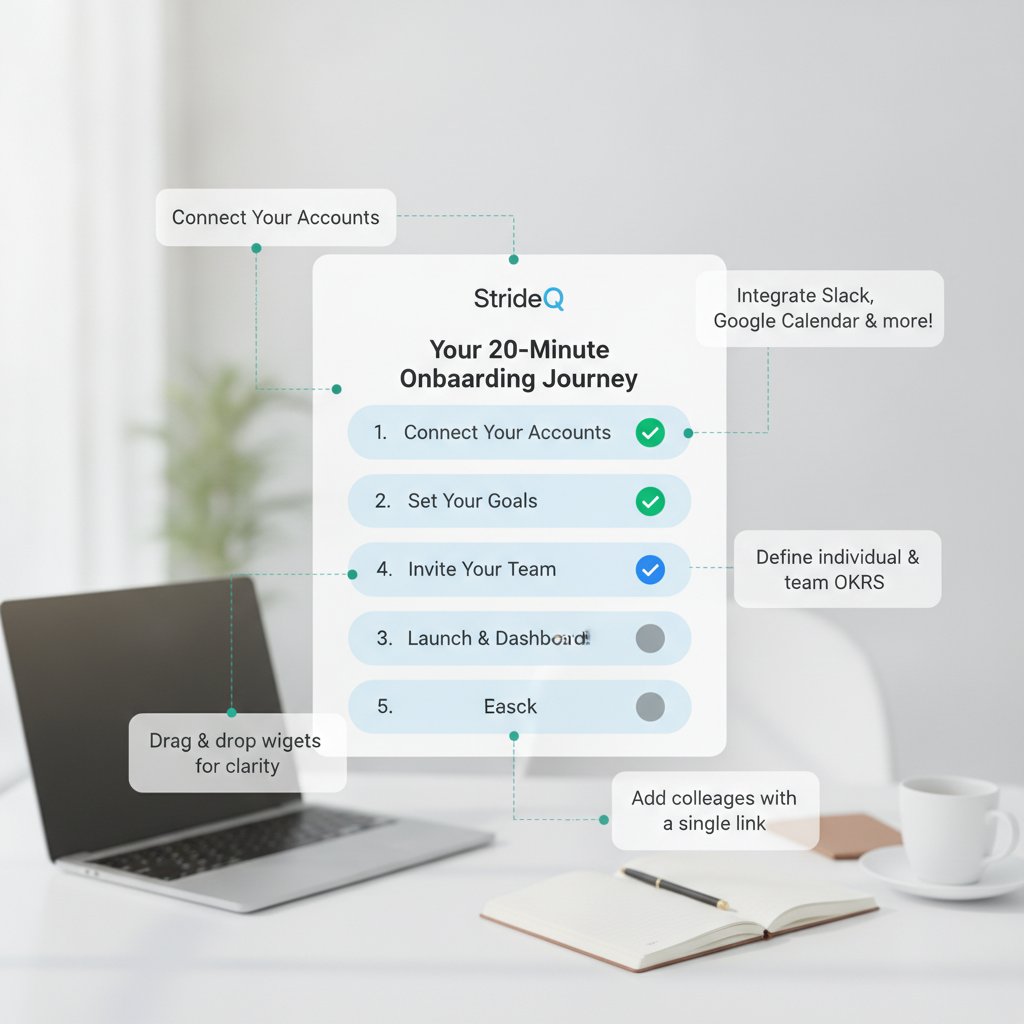
We recommend a focused voice AI that simply answers incoming calls, takes orders, and hands off payment or pickup details rather than attempting a full multichannel assistant on day one. That cuts setup time, reduces training needs, and keeps the experience familiar for your customers. For cafés, speed and reliability beat feature bloat.
Start small: protect missed calls and capture orders immediately; you can expand integrations later.
AI Phone Ordering: 20-minute setup Checklist
Below is the exact Checklist to go from zero to live in 20 Minutes. Each Step lists concrete options and the settings you should use. This mirrors the fastest, lowest-risk rollout we use for StrideQ customers.
-
Pre-Launch prep (5 Minutes)
Gather the essentials before you touch the Phone system. Have your business Phone number ready (or decide to port), a short menu of the most-ordered items (10–20 items), your hours, any tax and tip rules, and an email for account creation. This reduces friction and keeps the bot focused.
Prepare one concise menu of 10–20 high-turn items and your pickup window—this is all the bot needs at first.
-
Account creation and Phone routing (3 Minutes)
Create your account on StrideQ and choose whether to forward your existing number or add a new one. If you forward, set call forwarding during business hours to the StrideQ number and leave voicemail unchanged for after-hours. Forwarding preserves the number customers already use; adding a new number is faster but you’ll need to tell regulars.
Use these settings: set active hours to your café’s hours, set a short after-hours fallback to pickup or online info, and enable missed-call protection so the AI answers if staff don’t pick up within 8 seconds.
Use an 8-second pickup threshold—short enough to capture missed calls, long enough for a human to answer most live calls.
-
AI bot customization (6 Minutes)
Copy-edit the default script to match your café’s tone and record any owner-specific prompts. Keep menu depth to two tiers (category → item) and add quick-confirmation prompts for quantity and common modifications. Deep branching inflates call time and error rates.
Exact settings and phrases to use:
- Greeting: “Hi, thanks for calling [Café Name]. Would you like to place an order for pickup or ask a question?”
- Menu depth: 2 levels (e.g., Coffee > Latte; Food > Croissant).
- Number collection: collect a Phone number as the first confirmation field (format: 10 digits).
- Order confirmation: require a final spoken confirmation: “I have a [size] [item] and a [item]. Is that correct? Say ‘yes’ to confirm.”
- Timeouts: keep user response timeout at 4.5–5 seconds for natural speech; fallback to reprompt once then route to staff voicemail.
Default to brevity: a two-Step menu and one confirmation reduces errors and keeps calls under a minute.
-
Payment and pickup flow (2 Minutes)
Decide whether the bot will accept payment or Just capture the order for in-shop payment. Most cafés begin with order capture only: the bot records the order, sends it to staff, and the customer pays at pickup. Accepting Phone payments increases PCI scope and lengthens setup.
If your POS supports tokenized payments and you want fewer no-shows, enable pay-by-Phone later. Otherwise, choose capture-only to keep setup under 20 Minutes.
Start with capture-only payment to reduce compliance and setup time; add pay-by-Phone later if needed.
-
Test call and QA (3 Minutes)
Run a scripted test call to validate prompts, menu traversal, confirmations, and staff notifications. Use the script below and check timestamps in the order log for correctness. Live testing prevents embarrassment on the first customer call.
Test call script (read exactly):
- Caller: “Hi, I’d like to place an order for pickup.”
- Bot: follow the menu to order two items; collect a 10-digit Phone number; confirm pickup time 15 Minutes from now.
- Bot: read back the full order and wait for explicit ‘yes’ confirmation.
- Bot: send order to staff channel (SMS/email/POS) and give pickup code to caller.
Checkpoints after the call: order arrived in staff inbox, Phone number recorded correctly, confirmation message includes pickup time and code.
Do at least two test calls: one quick order, one with special requests—confirm the order reaches staff the same way a real call would.
-
Go live and monitor (1 minute + ongoing)
Switch forwarding during business hours and tell the team that the AI will answer calls. Monitor the first 48 hours closely and tune prompts or menu items based on common phrases or failures. Early monitoring catches issues before patterns form.
Track answered-call rate, orders captured, and staff feedback, and set quick reviews at 24 and 48 hours to tighten prompts.
Monitor actively for 48 hours—correct one repeated failure immediately and iterate the script.
How fast can I Launch AI Phone Ordering for my café?
You can be live in about 20 Minutes if you complete the five steps above and use a plug-and-play provider. Those quick launches work because the initial bot scope is small: handle your top 10–20 items and capture pickup information. Speed matters when missed calls are costing daily revenue.
Will an AI bot sound natural to my customers?
Yes. Modern voice AI sounds conversational when you use natural phrasing and short prompts. Use a local accent if the provider offers it, keep phrases brief, and prefer quick confirmations rather than long menus. Customers want fast, clear interactions for orders.
Natural-sounding AI starts with short prompts and a single confirmation Step; that beats elaborate menus every time.
Common mistakes and how to avoid them
- Too many menu options: customers won’t sit through ten nested choices. Fix: start with two menu tiers and expand only when usage justifies it.
- Long timeouts: long prompts waste time. Fix: set response timeout to ~4.5 seconds and reprompt once.
- No clear pickup instructions: orders arrive but customers show up at the wrong time. Fix: give a clear pickup window and include a unique order code in the confirmation.
- Immediate payment attempts without test: adding in-call payments without POS verification causes charge failures. Fix: test payment tokens with a staff card first and start with capture-only if unsure.
Most failures come from scope creep—protect calls first, add payments and integrations later.
Comparison: build vs. third-party AI Phone vs. human answering service
| Option | Setup time | Upfront Cost | Missed-call protection | Staffing impact |
|---|---|---|---|---|
| DIY build (custom IVR + ML) | Weeks–months | High | Variable | High; requires ops |
| Third-party plug-and-play (e.g., StrideQ) | Minutes–hours | Low | Immediate | Low; reduces pressure at peak |
| Human answering service | Hours | Medium ongoing | Good | Outsources labor |
For Independent cafés, a plug-and-play provider is usually the fastest, lowest-Cost way to protect calls.
How to test and measure success (exact metrics and thresholds)
Track these concrete metrics from day one: answered-call rate, orders captured per business hour, confirmation accuracy, and staff queue time. Use the thresholds below as operating targets and tweak the script if you miss them. These targets tell you whether the bot is helping or creating friction.
- Answered-call rate: aim for the AI (plus human pickups) to answer 95%+ of inbound calls during active hours.
- Order capture rate: target that at least 70% of answered calls result in a captured order during peak hours; adjust this threshold to match your business.
- Confirmation accuracy: sample 20 recorded orders after Launch—aim for fewer than 2 mis-captures.
- Staff handling time: confirm orders appear where staff expect within 5 seconds of confirmation.
Measure early and often: the first 48 hours will show whether prompts are too long or too short.
How StrideQ’s approach fits this Checklist
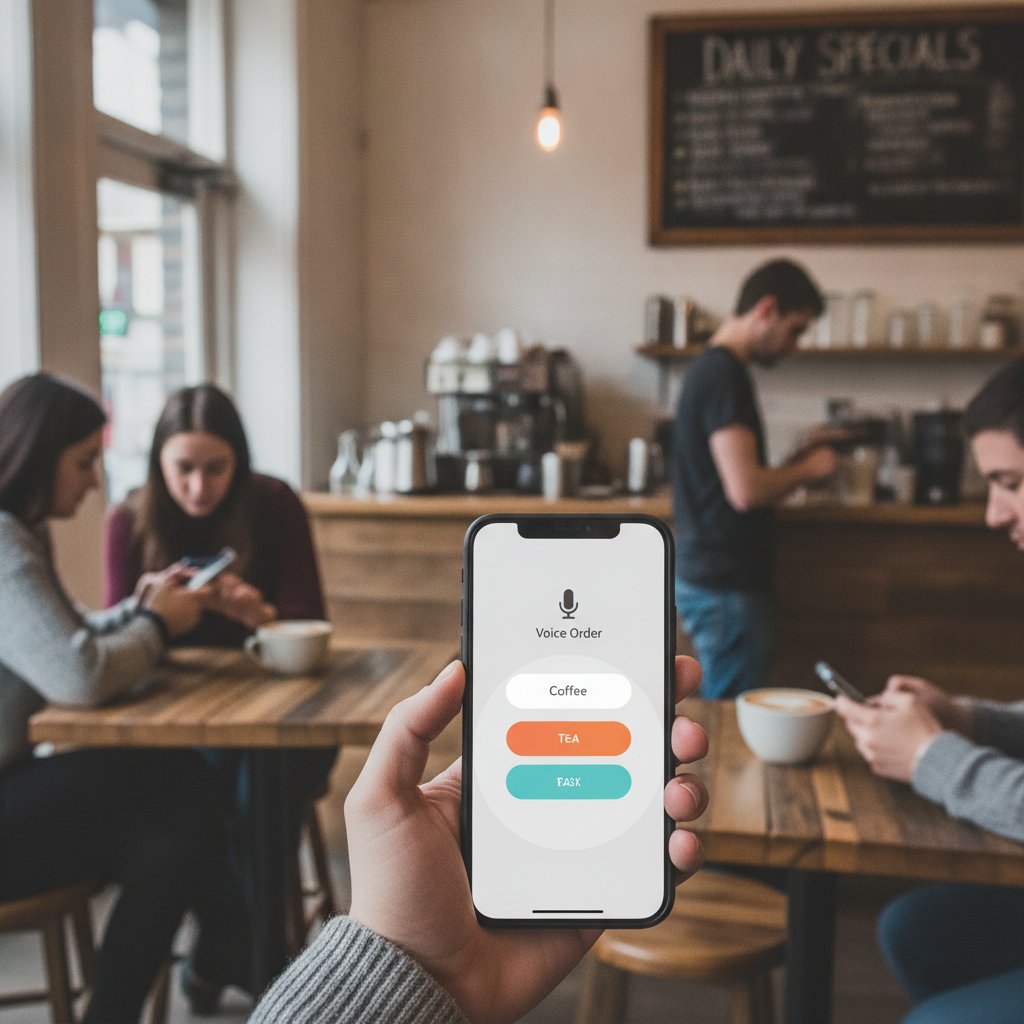
StrideQ builds focused voice-first flows that match the Checklist above, enabling a 20-minute Launch with no hardware and minimal setup friction. Your number can be forwarded, the bot handles missed-call protection, and staff receive orders through existing channels so cafés can protect revenue without long projects.
Learn more about technical integrations and routing on How StrideQ’s AI Phone Ordering Works for Cafés.
StrideQ is designed for quick deployment: forward your number, keep your menu short, and you’ll be protected within Minutes.
Industry context: why Phone Ordering still matters
Web and app orders keep growing, but calls remain a reliable channel for regulars and last-minute orders. Analysts point to AI adoption in foodservice as a productivity lever; see the linked industry analysis for broader context. Ignoring Phone order automation leaves a known revenue channel unprotected.
For a high-level industry perspective, read AI in the Restaurant Industry – McKinsey which covers AI adoption patterns in foodservice and automation use cases.
Protecting Phone orders is a practical, near-term Step cafés can take while broader tech changes roll out across the industry.
Example Launch snapshot (what the first hour looks like)
Here’s an illustrative sequence for the first hour after you flip forwarding to the AI. It lists the actions you and staff should take and what to watch for.
- Minute 0: Set forwarding to the StrideQ number and tell staff the AI will answer calls during busy periods.
- Minutes 1–5: Run two test calls (a simple order and a modified order). Staff confirm order entries arrive correctly.
- Minutes 5–20: Live calls come in; staff monitor and note any repeated failures or unclear prompts.
- Minutes 20–60: Iterate the script if a repeated phrase or menu choice causes failure; retest the specific branch.
The first hour is diagnostic: expect a couple of quick edits, then relax—the bot handles routine orders.
Integration notes and trade-offs
You can integrate with POS systems or keep a simple inbox via SMS or email. POS integration removes manual entry but adds configuration and testing time. For most cafés, starting with a reliable inbox and moving to POS after two weeks balances speed and operational risk.
Trade-off rule: start with inbox delivery to protect calls fast; add POS integration only when the volume justifies the work.
Security, privacy, and compliance
With order capture only, the main concerns are storing Phone numbers and order details securely. If you enable pay-by-Phone, you must address payment compliance and tokenization. Keep the initial rollout outside PCI scope by deferring in-call payments.
Deferring payments on Launch keeps compliance overhead low and speeds time to value.
Frequently Asked Questions
How much does it Cost to start?
Costs vary by provider and plan. StrideQ offers a low-upfront approach focused on missed-call protection; contact the team for pricing and trial options.
Can the bot handle special requests like “no dairy”?
Yes. Configure a short modifier list (no dairy, extra shot, decaf). Keep modifiers limited to the most common items to avoid long branching logic.
Do I need a new Phone number?
No. You can forward your existing number to preserve customer habits, or add a backup number for a faster setup if you prefer.
What if the bot misunderstands an order?
The bot should read the full order back and require an explicit yes confirmation. If mis-captures continue, shorten prompts and add phrasing that customers actually use.
Is there a trial?
StrideQ offers a trial so cafés can validate the setup risk-free and see how the bot handles real calls before committing.
Next steps and call to action
If you want missed-call protection now, follow the Checklist above and start a short trial with a provider that supports quick forwarding and short menu flows. Protecting Phone orders is the fastest revenue-preserving move an Independent café can make this week. You don’t need hardware or developers—Just a focused setup and two test calls.
Start a risk-free trial on StrideQ to protect missed calls and capture more orders today.